





Mining Pearl on rented GPUs with Clore.AI
How to rent a GPU server on Clore.AI, choose on-demand or spot, start a Pearl miner on it, and check that the rental really pays.
What is Clore.AI?
Clore.AI is a marketplace where people rent out whole GPU servers. You pick a server and a Docker image, and the container starts within minutes.
The servers belong to individual hosts around the world. Clore.AI's renter overview names cryptocurrency mining as a use it suits.
You control the software, so there is no algorithm list to be on. A Pearl miner runs there like on your own rig.
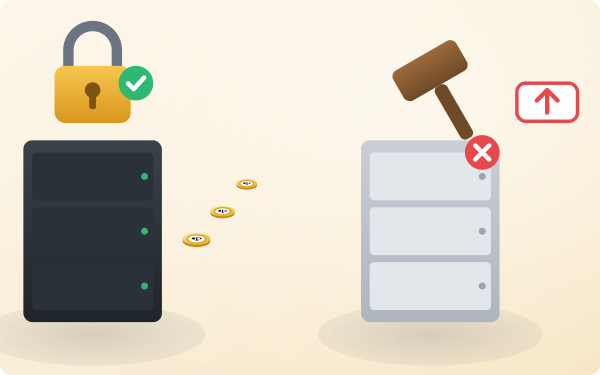
On-demand or spot: which order should you place?
| Order | Price | Can it be outbid? |
|---|---|---|
| On-demand | Fixed for the rental term | No |
| Spot | Your own bid, which can be lower | Yes. The rental ends and billing stops. |
A new bid must be at least 1% above the current top bid to win the server, according to Clore.AI's order guide.
Mining copes with an interruption, so spot is the cheaper fit. When a spot order ends, the miner stops, and you can bid again or move on.
How do you pick a server?
- GPU: a card a Pearl miner supports. The Pearl miners overview lists them.
- Rating: Clore.AI rates each server on uptime and renter feedback. Prefer a high one.
- Network: the listing shows upload and download speed. Mining needs little bandwidth, but a steady link.
- Price: weigh it against the card's daily earnings in the Pearl mining calculator.
A cheap server that drops offline every hour is not cheap.
How do you start the miner?
- Top up your balance. Clore.AI takes CLORE, Bitcoin, USDT and USDC, and bills by the minute.
- Choose an Ubuntu image, add your SSH key, and place the order.
- Log in over SSH and download a Pearl miner from its official release page.
- Copy the command from the How to Mine Pearl page. It carries your region, your address and a worker name.
- Start it in a tmux session, so it keeps running after you log out.
If you use HiveOS, Clore.AI can add the server to your HiveOS account instead. The HiveOS guide covers the flight sheet.
Within a minute, the server appears as a worker on your dashboard. Its earnings are paid to your wallet like those of any other rig.
How do you keep a rental profitable?
Rented mining is a margin business. The estimate that justified the rental moves with network difficulty and the coin price.
- After the first hour, open your dashboard. Check that the real hashrate matches the card you paid for.
- On longer rentals, check the calculator again every day.
- End a rental that has turned loss-making rather than hoping it recovers.
- Renting many servers at once? Send them through one mining proxy, or the wallet can be flagged as a botnet.