








Pearl miners: an overview
The miners that support Pearl, how they differ in GPU support and dev fee, and how to pick, download and verify the right one for your GPUs.
Which miners can mine Pearl?
Five miners are documented for Pearl: SRBMiner-Multi, bzminer, PeakMiner, WildRig NG and ForgeMiner. The list is shorter than for older hash algorithms. Quality differences between the miners are real.
The reason is Pearl's Proof of Useful Work. It is not a classic hash loop. The miner runs large matrix multiplications on the GPU's tensor units, the parts of the chip built for matrix maths.
Each share then carries a proof that the work was done, which the pool can check quickly. Supporting all this takes real engineering effort from each miner's developers.
How do the Pearl miners differ?
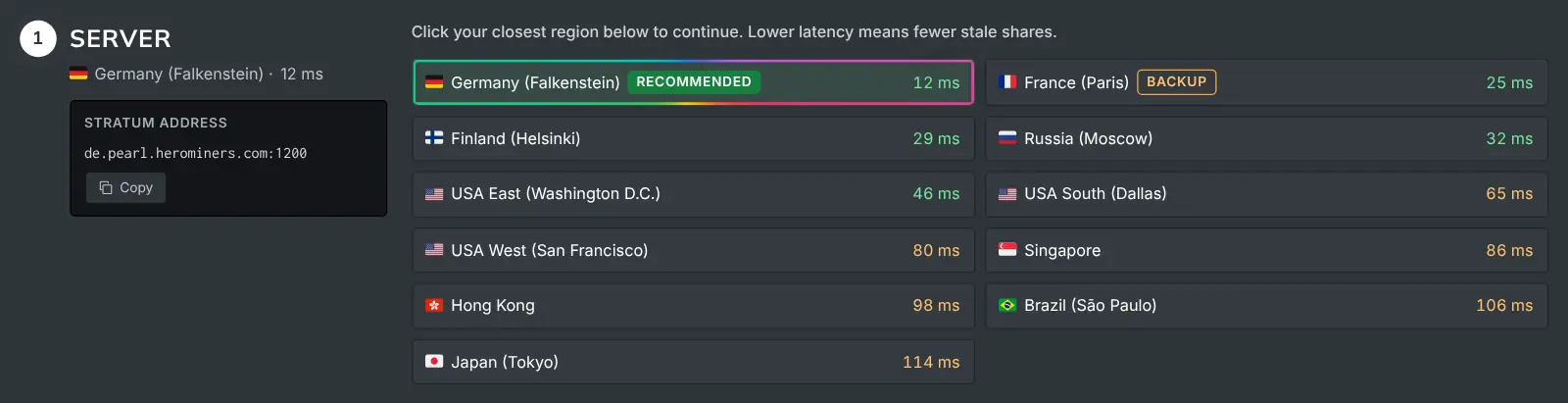
They differ in GPU support, developer fee and extras. The pool connection details are the same for all of them.
- SRBMiner-Multi: broad GPU support (NVIDIA and AMD), frequent releases and detailed per-GPU tuning flags. Our full setup guide covers its flags and TLS.
- bzminer: clean configuration, good defaults and solid NVIDIA performance. It also has a dedicated setup guide in this help center.
- PeakMiner: built for pearlhash, on NVIDIA RTX 20-series and newer GPUs. It runs on Windows and Linux, with a 2% dev fee on Pearl.
- WildRig NG: NVIDIA GPUs, AMD RX 5000 series or newer, and Intel Arc, on Windows and Linux. Its current release charges a 0% dev fee on pearlhash.
- ForgeMiner: NVIDIA and AMD GPUs on Windows and Linux, with a 2% dev fee on Pearl. It has built-in overclock and fan control.
- Other miners exist and more appear over time. Whichever you run, the pool connection details are identical. Only the flag names differ.
How do I pick the best miner for my GPU?
On identical hardware, run each miner for a full day. Then compare the average hashrate on your dashboard.
Do not compare the miner's own console readout. The console measures attempts, while the pool pays for accepted work. The why-hashrate-differs article explains the gap.
Also weigh each miner's developer fee, printed in its documentation. It comes straight off your earnings.

How do I download a miner safely?
- Get the miner only from the project's official releases.
- Check the published checksum, a fingerprint that proves the file was not changed.
- Expect your antivirus to flag the download. The antivirus article explains why, and how to exclude the miner safely.
- Start from the command the How to Mine page generates. It already carries the right algorithm, your region and your addresses.