








Why we show stale shares
HeroMiners counts stale shares apart from valid and invalid ones. A stale share points at your connection, and an invalid one at your rig.
Why does HeroMiners show stale shares?
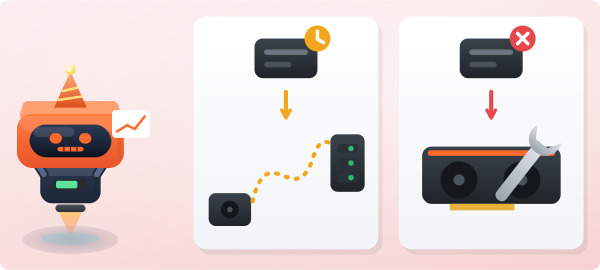
Because a stale share and an invalid share have different causes. A stale share is correct work that arrived late. An invalid share is wrong work.
- A stale share points at the route between your rig and the pool.
- An invalid share points at the rig itself.
- A single "rejected" number hides which of the two you have.
So HeroMiners counts the three kinds apart: valid, stale and invalid.
What does your dashboard show?
- Three counts for your wallet and for every worker: valid, stale and invalid.
- Your stale percentage over your whole history, not over the last few minutes.
- A warning on any worker whose stale shares run high, with a hint when a closer server would help.
- The Live tab, which marks each stale share as it arrives.
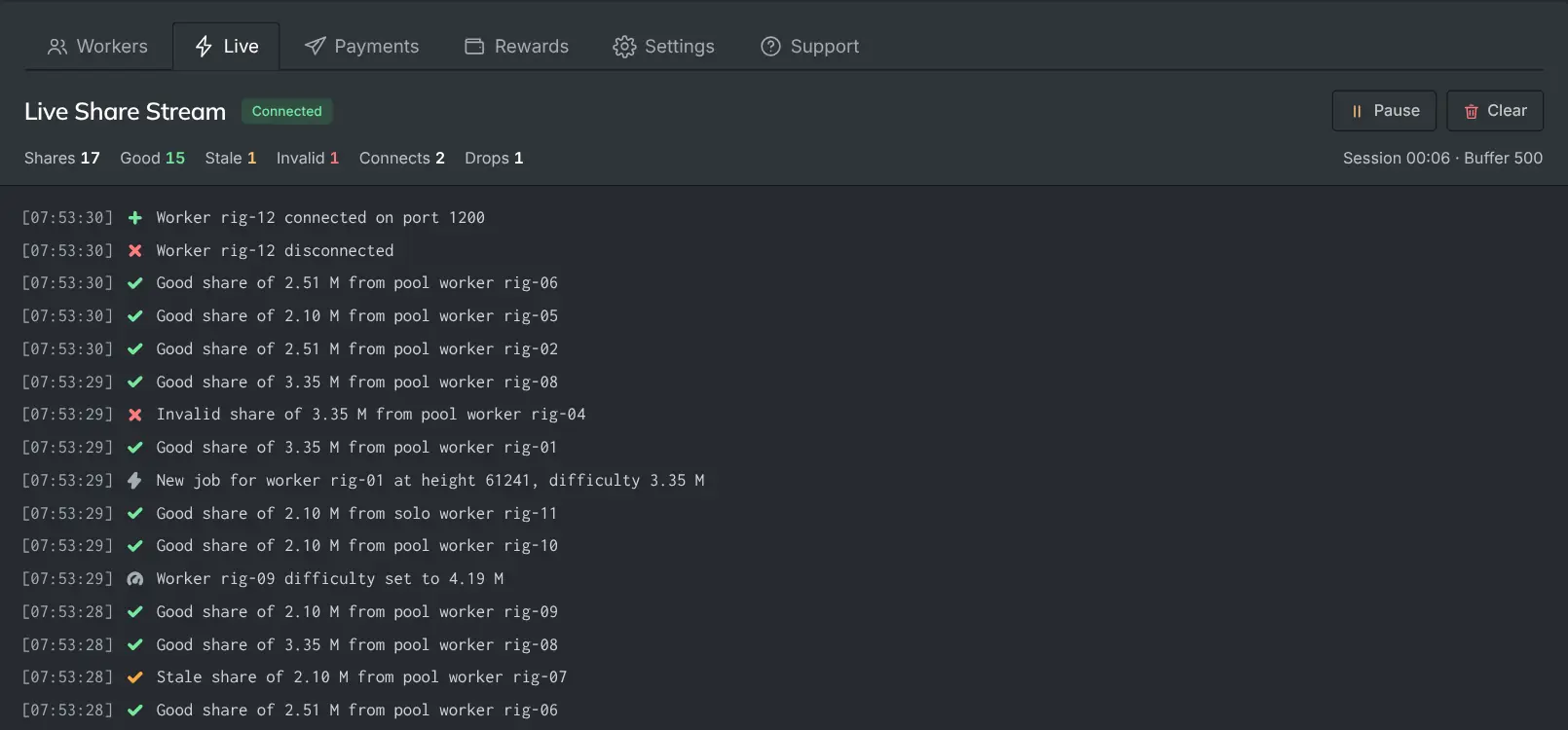
Solo work has its own counts, apart from pool work.
What does a stale share cost you?
That depends on the reward scheme. Under PROP a stale share still counts toward your share of the block while your stale rate is in the normal range. Under PPS+ it is not paid.
In solo mining no share is paid. A stale share costs only the small chance that it was the one that solved a block.
The article "Do stale shares get paid?" in this Help Center explains each case.
What does your stale percentage tell you?
| What you see | Likely cause | First check |
|---|---|---|
| A low, steady rate | The normal distance to the pool | Nothing to fix |
| A slow rise over days or weeks | Your connection or your choice of region | Run the latency test again |
| One worker far above the others | That rig or its own link | Its cable or Wi-Fi, then its mining software |
| A jump on every rig at once | The network path between you and the region | Run the latency test again before you change a rig |
How low a normal rate is depends on the coin. A coin with fast blocks shows more stale shares than a slow one at the same distance.
How do you compare pools fairly?
A dashboard number is only as useful as what it counts. A pool that shows no stale count has not removed late work. It has only stopped telling you about it.
So compare pools by what reaches your wallet over weeks, not by a dashboard over hours.