








Mining Pearl on rented GPUs with vast.ai
Mining Pearl on vast.ai: the payment rule to read first, on-demand or interruptible, the onstart script, and the costs that are easy to miss.
Can you mine Pearl on vast.ai?
Yes, with one condition about how you pay. The vast.ai marketplace rents GPU servers from individual hosts and datacenters, billed by the second.
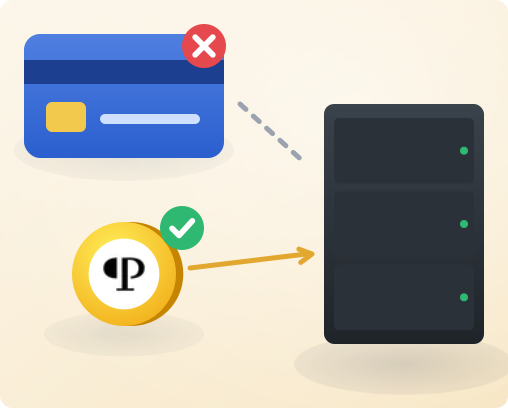
Its terms of use, version of 1 September 2026, forbid cryptocurrency mining on credits bought with a credit card.
The service also takes crypto, through BitPay and Crypto.com, and its mining clause names card purchases only. Read the terms yourself before you rent, because they can change.
On-demand, interruptible or reserved?
| Type | Price | What can stop it |
|---|---|---|
| On-demand | Fixed by the host | Only you |
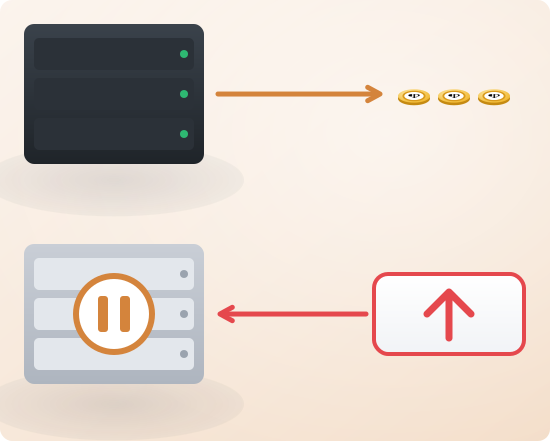
| Interruptible | Your own bid, often 50% or more below on-demand | A higher bid, or an on-demand renter. It pauses, then resumes on its own. |
| Reserved | Up to 50% off, paid up front for a term | Only you |
A paused instance keeps its data but mines nothing. Mining copes with pauses, so interruptible is the cheap choice if you watch your dashboard.
The details are in vast.ai's instance types.
How do you set up the miner?
- Search the offers, and filter by GPU model and location. Pick a card from the Pearl miners overview.
- Choose a template that starts in SSH or Jupyter mode. Only those modes run an on-start script.
- In the template's On-start Script, download the Pearl miner from its official release and start it.
- Take the start command from the How to Mine Pearl page, with your region, address and worker name.
- Launch the instance. The script starts the miner each time the instance starts.
Within a minute, the instance appears as a worker on your dashboard.
Which costs are easy to miss?
- Storage is billed for as long as the instance exists, even when it is stopped. Delete an instance you are done with.
- Bandwidth is billed per byte, at each host's own rate. Mining moves little data, but check the rate.
- Credits are paid up front. When the balance reaches zero, your instances stop.
Then weigh the hourly price against the Pearl mining calculator. The vast.ai billing guide lists every charge.
What if you rent many instances?
Each instance reaches the internet through its host's IP address, shared with other renters on that server. Rent many, and your wallet connects from many hosts in many countries.
That is the shape of a botnet. Put a mining proxy between the instances and the pool, and read why a wallet on many IPs is flagged.